
A Blockfolio Alternative for iPhone and iPad
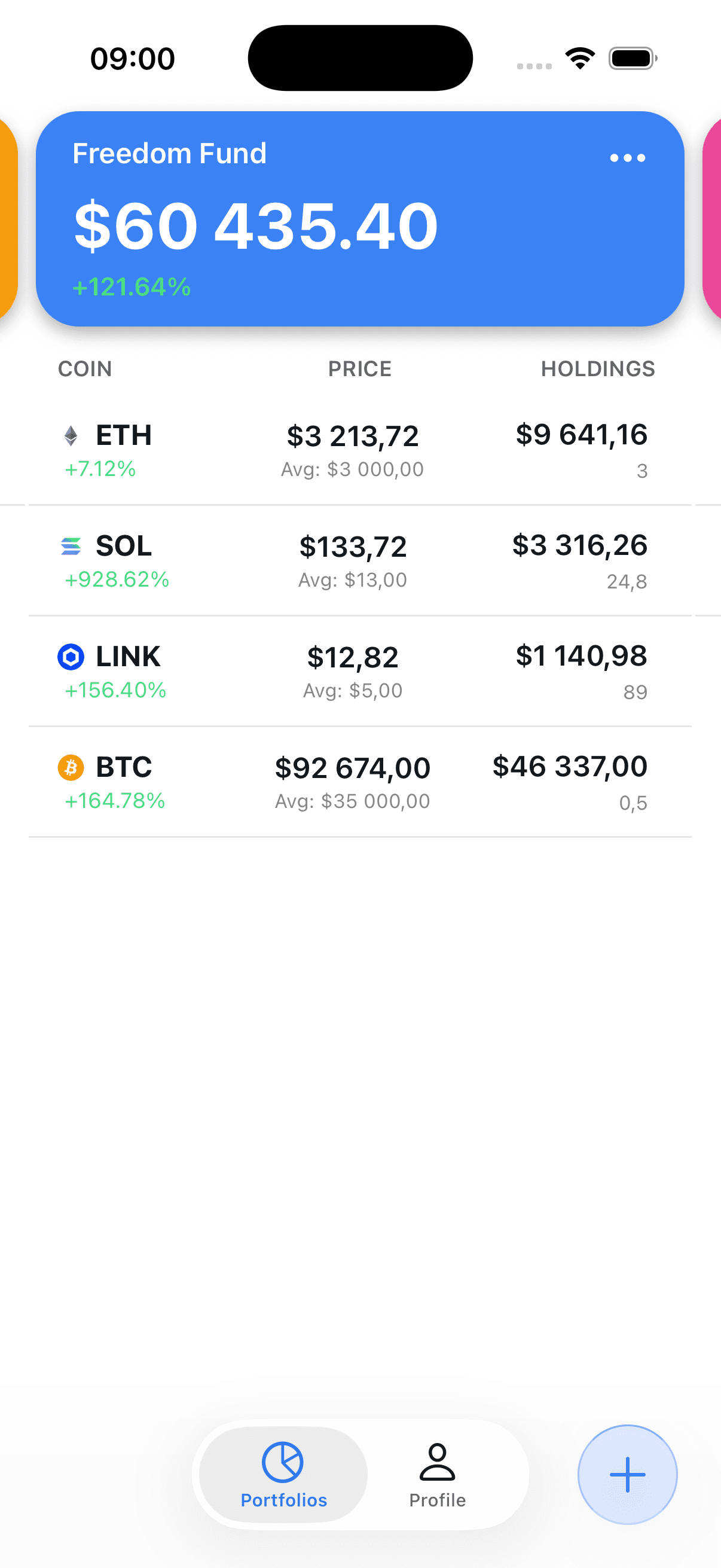
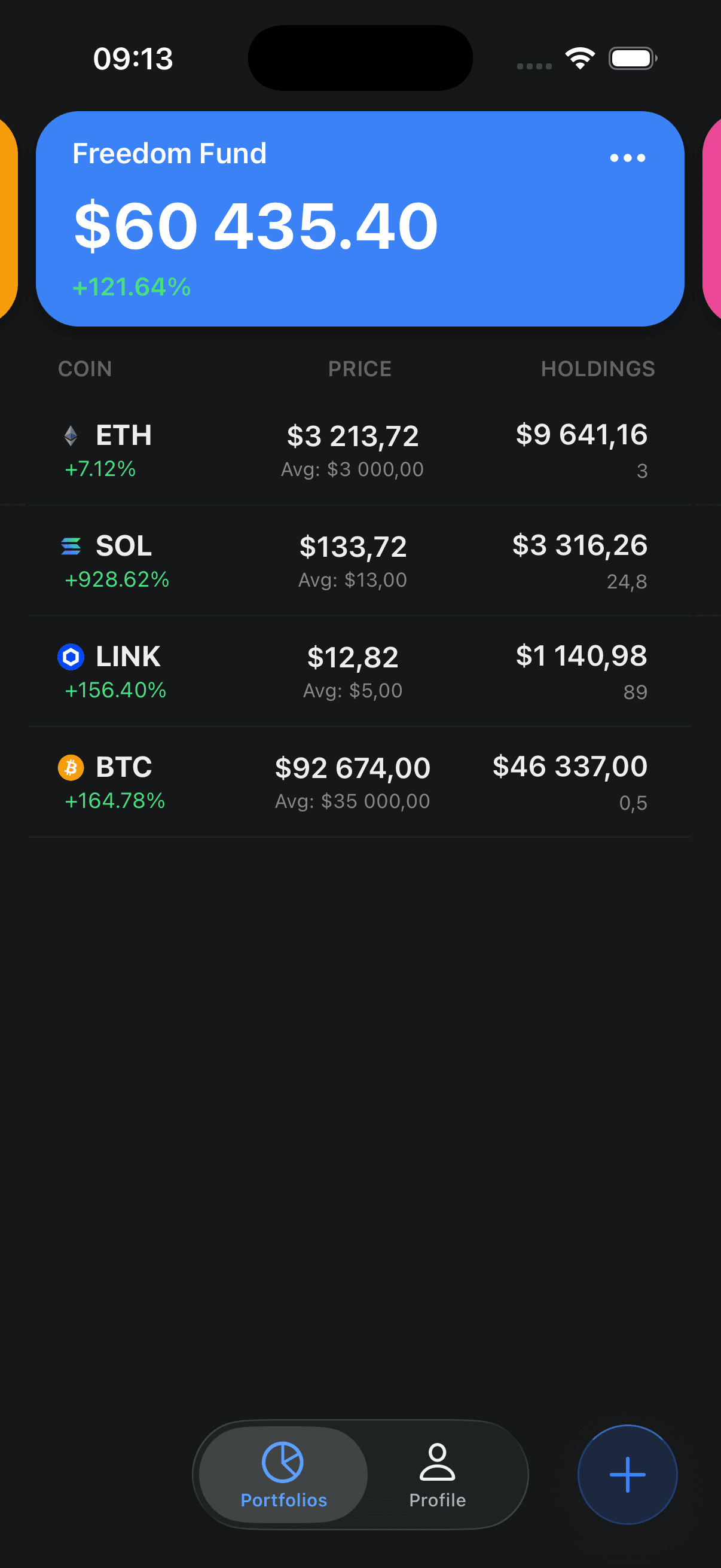
Rebuild portfolios with manual buy and sell transactions, or optionally connect Binance to retrieve current balances. Binance is the only automatic exchange connection; other exchanges and wallets require manual entries.
Blockfolio and FTX are trademarks of their respective owners. Crypto Portfolio Tracker is independent and not affiliated with, endorsed by, or sponsored by Blockfolio or FTX.
What was Blockfolio?
Blockfolio was a mobile crypto portfolio tracker. In its July 28, 2021 rebrand announcement, FTX described it as the world's most popular bitcoin & cryptocurrency portfolio tracking application
.
FTX says it acquired the app in August 2020, and the FTX: Blockfolio mobile app was renamed FTX on July 28, 2021.
Source: FTX/Blockfolio rebrand announcement. Checked .
What happened to Blockfolio?
A short, sourced timeline. Last reviewed .
FTX acquired Blockfolio
FTX's later rebrand announcement says the portfolio tracker was acquired in August 2020.
Source: FTX/Blockfolio rebrand announcementThe mobile app was renamed FTX
FTX announced that the FTX: Blockfolio mobile app had rebranded as the FTX app.
Source: FTX/Blockfolio rebrand announcementFTX and most affiliates entered bankruptcy
The CFTC records that FTX Trading Ltd. and most of its affiliates declared bankruptcy on this date.
Source: U.S. Commodity Futures Trading CommissionFTX and the FTX Recovery Trust announced a fifth creditor distribution
The announcement covered a distribution to holders of allowed claims and directed customers to the FTX Customer Portal, claims.ftx.com.
Source: FTX announcement (PR Newswire)Original U.S. App Store listing unavailable
Apple's U.S. lookup for the original Blockfolio app identifier returned no listing. Storefront availability can differ, and similarly named apps should not be assumed to be the original product.
Source: Apple App Store lookupThis timeline supplies historical context. It is not a rating of Blockfolio's past features or a claim about why every former user looked for another tracker.
Blockfolio, FTX and the claims portal
The CFTC records that FTX Trading Ltd. and most of its affiliates declared bankruptcy on November 11, 2022.
FTX customers with existing claims are directed to the FTX Customer Portal, claims.ftx.com. On July 17, 2026, FTX and the FTX Recovery Trust announced a distribution limited to holders of allowed claims who had completed the pre-distribution requirements by a June 16, 2026 record date. The announcement adds that FTX Digital Markets Ltd. will separately communicate distribution information to customers who elected to have their claims administered by it.
The same announcement warns about phishing emails and scam sites that imitate the portal:
“FTX will never ask you to connect your wallets.”
This page cannot tell you whether you have a claim. It is general information, not legal advice.
Sources: CFTC history; FTX announcement (PR Newswire). Checked .
Is Blockfolio safe to use?
- The original Blockfolio app was renamed FTX on July 28, 2021 (FTX).
- FTX Trading Ltd. and most affiliates declared bankruptcy on November 11, 2022 (CFTC).
- Apple's U.S. lookup for the original Blockfolio app ID returned no listing (checked ).
- Similarly named apps should not be assumed to be the original product.
- Use only the FTX Customer Portal (claims.ftx.com) and FTX's own announcements for FTX claims; FTX says it will never ask you to connect your wallets. Never type a seed phrase into any app or website.
This page does not rate the security of any app.
Other Blockfolio alternatives (reviewed )
Each row uses only what the provider's own listing or pages state. No prices, scores or ratings are included.
| App | Platforms | Automatic sync | Asset types | Free plan | Source |
|---|---|---|---|---|---|
| Crypto Portfolio Tracker (this app) | iPhone and iPad | Binance.com balances only. Binance.US is not supported, and there is no wallet-address sync. | Crypto only | Free, with no ads and no premium tier | Checked |
| Delta by eToro | iPhone, iPad and web; Android on Google Play | “200+ exchanges, brokers, and crypto wallets”, per its App Store listing | Stocks, ETFs, crypto and forex | Delta Basic is free for up to 10 assets | Checked |
| CoinStats | iOS, Android, Mac, web and Apple Watch | API auto-sync with 300+ wallets and exchanges, per its help center; CSV import or manual transactions for the rest | Crypto, including DeFi positions and NFTs | Basic plan listed as free | Checked |
- Choose Crypto Portfolio Tracker if you track crypto on iPhone or iPad, are comfortable entering holdings and buy or sell history manually, and only need Binance.com balances to sync.
- Choose Delta by eToro if you also track stocks, ETFs or forex, or want Android or web access. See the Delta alternative comparison.
- Choose CoinStats if you want automatic sync beyond Binance.com, including wallets, or need Android, Mac or web access. See the CoinStats alternative comparison.
This is not a ranking; details change, so check each provider.
Delta vs Blockfolio
Delta and Blockfolio both began as standalone crypto portfolio trackers. eToro announced on November 6, 2019 that it had acquired Delta; the terms were not disclosed. Delta by eToro is still listed on the U.S. App Store, at version 2026.3.1 dated August 24, 2026 (checked ).
FTX acquired Blockfolio in August 2020 and renamed the app FTX in July 2021.
Read the full Delta comparisonSources: eToro acquisition release; Delta by eToro App Store lookup; FTX/Blockfolio rebrand announcement. Checked .
What Crypto Portfolio Tracker supports today
Portfolio data is stored with your account. If you enable Binance sync, the API key and secret you provide are also stored with your account. Read the Privacy Policy and security guidance before connecting Binance.
Current feature details
These descriptions are limited to behavior implemented in the current app.
Organize manual holdings
Create separate portfolios for accounts, strategies, or other groupings you choose.
- Create more than one portfolio
- Switch between portfolio views
- Combine selected portfolios in a total view
Choose manual tracking or Binance sync
The two setup paths cover different data. Neither imports an old Blockfolio account.
Manual tracking
For holdings from any source
Create multiple portfolios and selected combined views.
Add, edit, or delete dated buy and sell transactions.
Use manual entries for wallets and for exchanges other than Binance.
Calculate average cost and profit or loss from the history you enter.
No Blockfolio account, wallet address, or transaction file is imported.
Optional Binance sync
For current Binance balances only
Binance is the only automatic exchange connection.
Retrieve current Spot and available Simple Earn balances from Binance.
Refresh the resulting balance view without placing trades or transfers.
Requires a Binance API key and secret, which are stored with your account.
Does not restore old Blockfolio transactions or their cost basis.
Rebuild your portfolios on iPhone
Create portfolios, re-enter buy and sell history, and see average cost and P&L.
Download free on the App StoreFree · No ads · iPhone & iPad · Never asks for private keys or seed phrases
How to rebuild your tracking setup
There is no direct Blockfolio data migration. Manual tracking does not require an exchange connection; Binance balance sync is optional.
- 1
Download and sign in
Get Crypto Portfolio Tracker App from the App Store, then sign in to your account.
- 2
Recreate your portfolios
Create the portfolio groups you need. You can also make a combined view from selected portfolios.
- 3
Re-enter manual history
Using records you control, add each buy or sell with its date, quantity, and execution price. There is no direct Blockfolio data importer.
- 4
Optionally connect Binance
Binance is the only automatic connection. Use a dedicated API key configured for read access only; sync retrieves current balances, not old transaction history.
- 5
Compare and verify
Compare the app with your source records. Average cost and profit or loss depend on the manual history you entered; Binance totals depend on the balances returned by Binance.
Multiple portfolios and combined views
Portfolio organization
Binance only
Automatic balance sync
Never enter a private key or seed phrase
Tracking, not custody
Frequently asked questions
What was Blockfolio?
Blockfolio was a mobile crypto portfolio tracker. FTX's rebrand announcement says the tracker was acquired in August 2020, and on July 28, 2021 FTX announced that the FTX: Blockfolio mobile app had been renamed FTX.
What happened to the original Blockfolio app?
FTX acquired Blockfolio in August 2020 and announced on July 28, 2021 that the FTX: Blockfolio mobile app had been renamed FTX. FTX Trading Ltd. and most affiliates declared bankruptcy on November 11, 2022.
Is Blockfolio still available?
The original mobile app was renamed FTX on July 28, 2021. When checked on September 23, 2026, Apple's U.S. lookup for the original Blockfolio app identifier returned no listing. Storefront availability can differ, and similarly named apps should not be assumed to be the original product.
Is Blockfolio safe to use?
The original Blockfolio app was renamed FTX on July 28, 2021, and FTX Trading Ltd. and most affiliates declared bankruptcy on November 11, 2022. When checked on September 23, 2026, Apple's U.S. lookup for the original app identifier returned no listing, and similarly named apps should not be assumed to be the original product. Use only the FTX Customer Portal (claims.ftx.com) and FTX's own announcements for FTX claims; FTX says it will never ask you to connect your wallets. Never type a seed phrase into any app or website. This page does not rate the security of any app.
What is the difference between Delta and Blockfolio?
Both began as standalone crypto portfolio trackers. eToro announced on November 6, 2019 that it had acquired Delta, for an undisclosed amount, and Delta by eToro is still listed on the U.S. App Store (version 2026.3.1, dated August 24, 2026, checked September 23, 2026). FTX acquired Blockfolio in August 2020 and renamed the app FTX in July 2021.
Can this app import my old Blockfolio data?
No direct Blockfolio data importer is provided. Recreate portfolios and buy or sell history manually from records you control. Optional Binance sync retrieves current balances, not old Blockfolio transactions.
Can I add and correct transactions manually?
Yes. You can add, edit, and delete buy or sell transactions, including their execution date, quantity, and price.
Which exchange can sync automatically?
Binance.com only. The integration uses api.binance.com and does not support Binance.US. Holdings from other exchanges and wallets must be entered manually.
Does Binance sync restore cost basis or transaction history?
No. Binance sync retrieves current balances. Use manual transactions when you need entered history to calculate average cost and profit or loss.
Does the app custody or transfer crypto?
No. It is a tracking app and does not hold or transfer crypto. Never enter a wallet private key or seed phrase. Optional Binance sync uses an API key and secret stored with your account.
Does it support multiple portfolios?
Yes. You can create multiple portfolios and create combined views from selected portfolios.
What can the AI assistant use?
The assistant receives a snapshot containing portfolio names and holding symbols, quantities, and values so it can answer natural-language portfolio questions. Its responses are informational and can be wrong.
Sources and review limits
- FTX: Blockfolio App Rebrands to FTX (PR Newswire, July 28, 2021)
FTX's description of Blockfolio as “the world's most popular bitcoin & cryptocurrency portfolio tracking application”, the August 2020 acquisition, and the July 28, 2021 rename.
Checked
- History of the CFTC: the 2020s (CFTC)
FTX Trading Ltd. and most of its affiliates declared bankruptcy on November 11, 2022.
Checked
- Apple App Store lookup for the original Blockfolio app (U.S.)
The lookup for app ID 1095564685 returned no listing.
Checked
- FTX Announces Fifth Distribution of Approximately $900 Million to Creditors on July 31, 2026 (PR Newswire, July 17, 2026)
The distribution to holders of allowed claims who met the June 16, 2026 record date, the FTX Customer Portal (claims.ftx.com), and the phishing warning.
Checked
- eToro Signals Commitment to Growth With Acquisition of Delta (PR Newswire, November 6, 2019)
eToro acquired Delta for an undisclosed amount.
Checked
- Delta by eToro on the U.S. App Store
“200+ exchanges, brokers, and crypto wallets”; iPhone, iPad and web; stocks, ETFs, crypto and forex; Delta Basic free for up to 10 assets.
Checked
- Apple App Store lookup for Delta by eToro (U.S.)
Version 2026.3.1, dated August 24, 2026.
Checked
- Delta by eToro on Google Play
Delta by eToro has an Android listing.
Checked
- What Can I Do With the CoinStats App? (CoinStats Help Center)
300+ wallets and exchanges with API auto-sync, CSV import and manual transactions, DeFi and NFT tracking, and availability on iOS, Android, Mac, web and Apple Watch.
Checked
- CoinStats pricing
A free Basic plan is listed alongside paid plans.
Checked
- Crypto Portfolio Tracker on the App Store
The app is free on iPhone and iPad. Its capabilities are listed under Current scope on this page.
Checked
Competitor details change often. Check each provider's own listing before deciding.
This page gives no scores or ratings for any app, including this one.
Blockfolio, FTX, Delta, eToro and CoinStats are trademarks of their respective owners. Crypto Portfolio Tracker is independent and not affiliated with, endorsed by, or sponsored by any of them.
Ready to rebuild your portfolios?
Download Crypto Portfolio Tracker App to enter holdings manually. If you use Binance, you can optionally connect a dedicated API key configured for read access only.