No custody
Crypto Portfolio Tracker tracks balances. It never holds your coins or asks for wallet private keys or seed phrases.
 Crypto Portfolio Tracker
Add holdings manually or sync Binance.com balances with a dedicated API key configured for read-only access. Binance.US is not supported, and current-price coverage varies by asset.
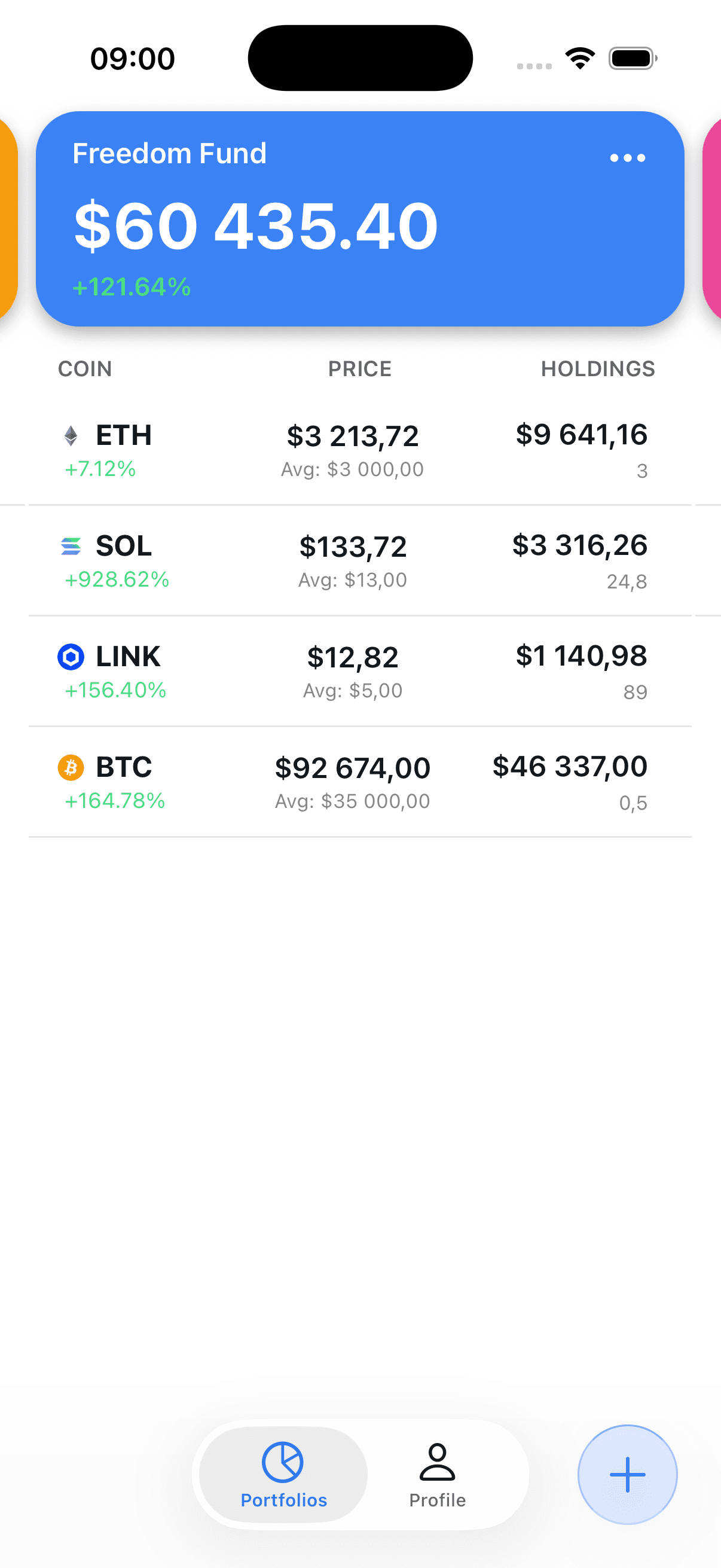
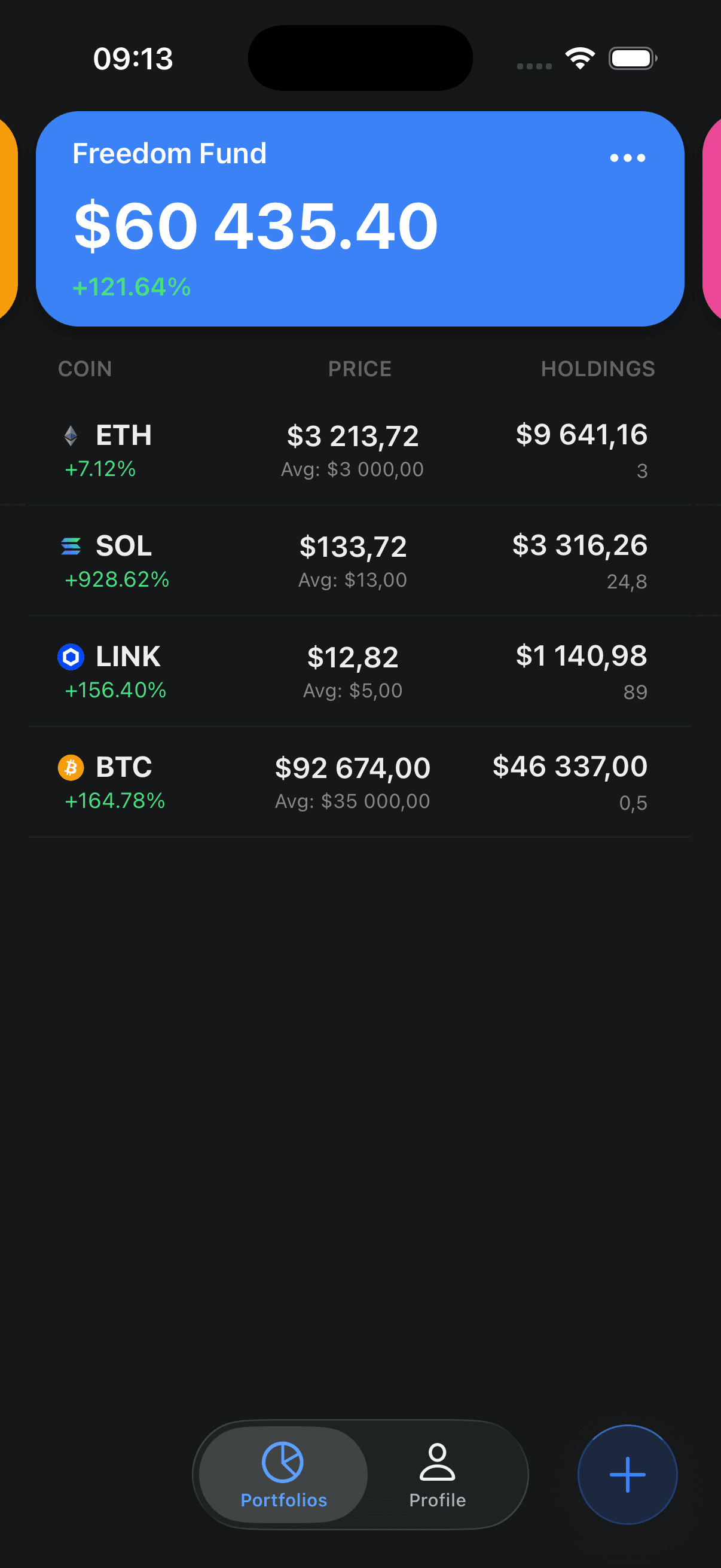
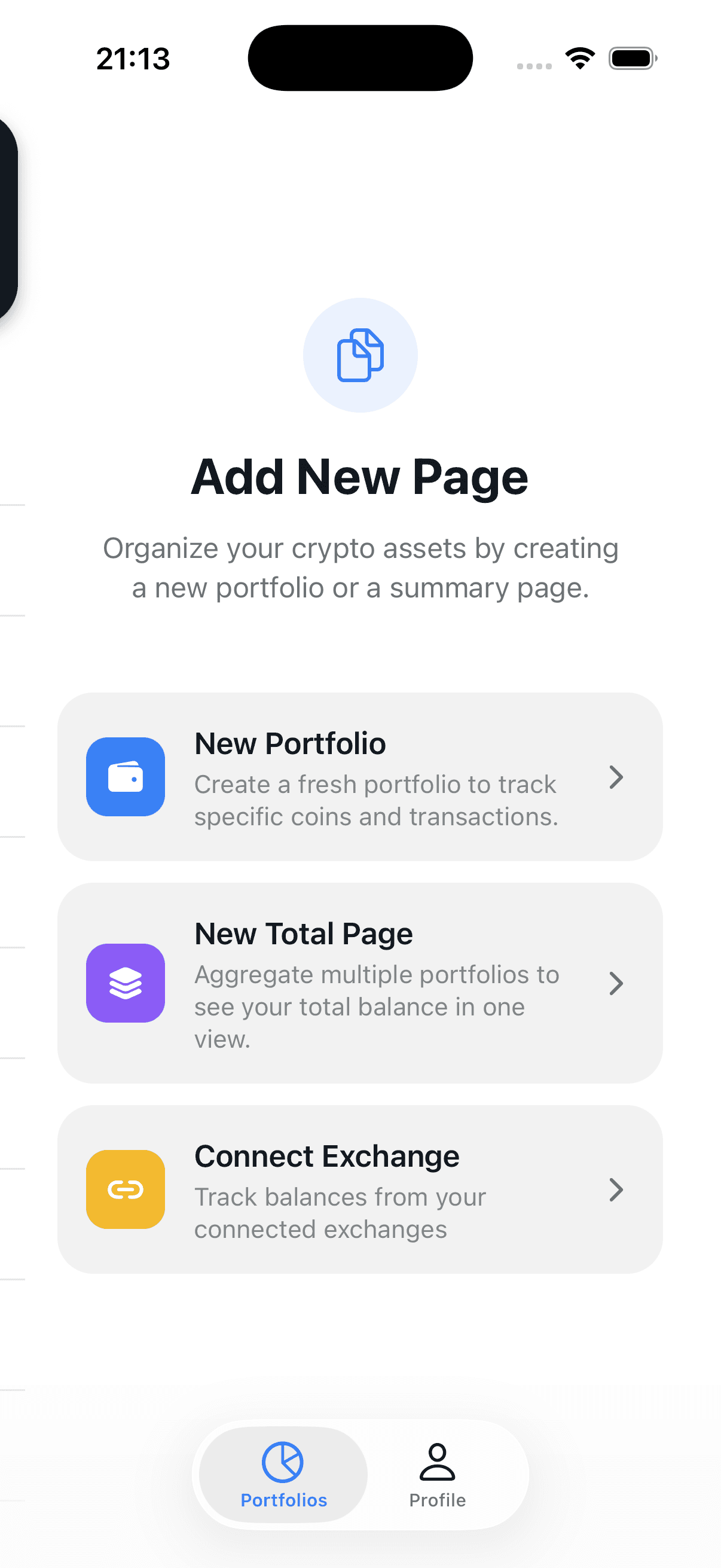
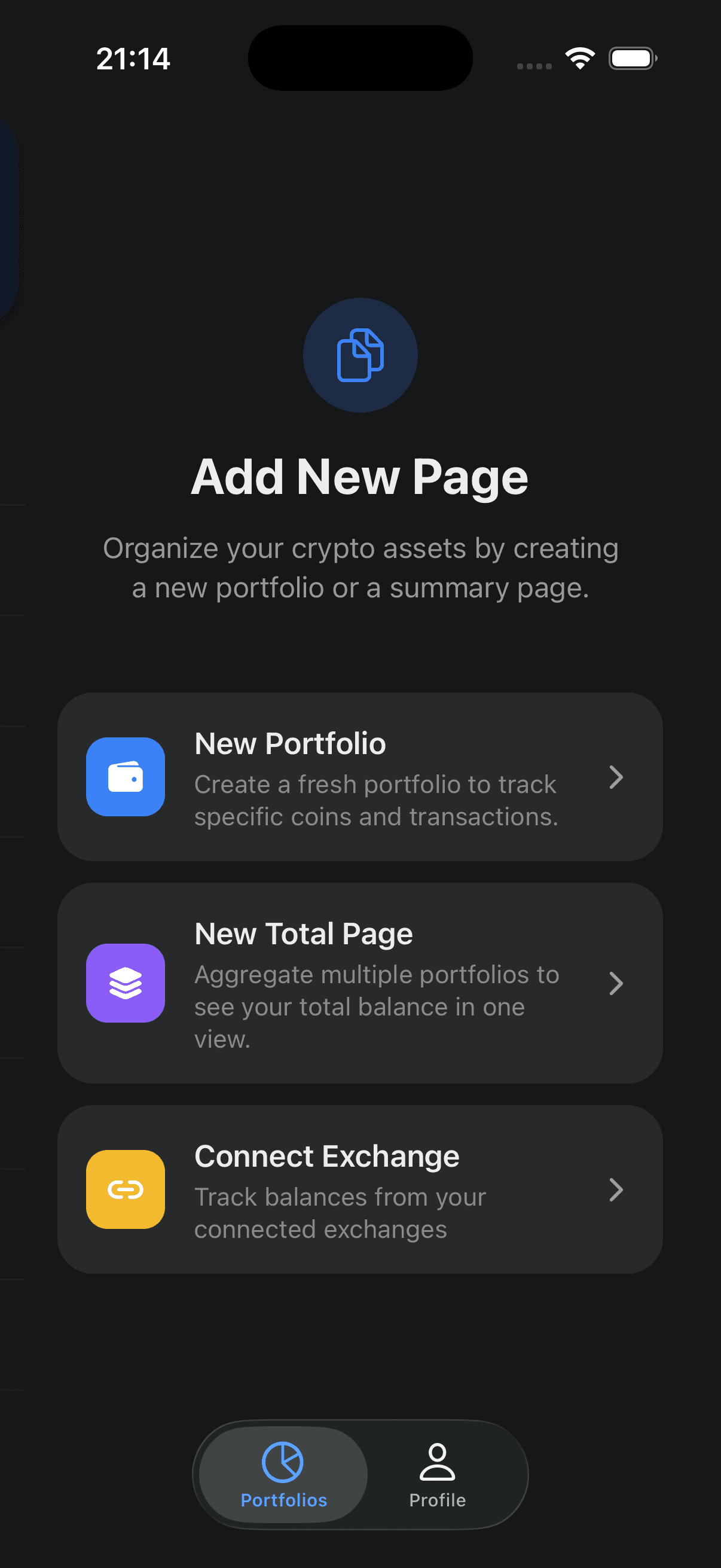
Review portfolio totals, holdings, and allocation charts in a focused interface.
Add and edit holdings and transactions yourself.
Prices refresh automatically and can be refreshed manually.
Ask natural-language questions about your portfolio holdings.
Review portfolio allocation in a clear visual breakdown.
Start with a manual portfolio or an optional Binance.com connection.
Get the free app from the App Store.
Review current values and ask portfolio-aware AI questions.
Current availability and capabilities, without vague comparisons.
| Detail | Current availability |
|---|---|
| Price | Free |
| Platform | iPhone and iPad |
| Automatic exchange sync | Binance.com |
| Other exchanges and wallets | Manual tracking |
| Portfolios | Multiple |
| Portfolio assistant | Included |
| Ads | None |
| Custody | None — tracking only |
Manual portfolios, price estimates for covered assets, allocation charts, and an AI crypto portfolio tracker that answers questions about your holdings.
Add and edit holdings and transactions yourself.
Prices refresh automatically and can be refreshed manually.
Ask natural-language questions about your portfolio holdings.
Review portfolio allocation in a clear visual breakdown.
Track balances without sharing wallet private keys or seed phrases.
Group holdings by strategy, exchange, or wallet.
Straightforward product details you can verify before downloading.
Crypto Portfolio Tracker tracks balances. It never holds your coins or asks for wallet private keys or seed phrases.
Binance.com balance sync is available today; Binance.US is not supported. Other exchanges and wallets can be tracked manually.
The current iOS app is free to download and use, with no advertising or premium upgrade screen.
Guides, tools, and reference data, free for everyone—from how Ethereum and Bitcoin differ to rebuilding a Blockfolio portfolio by hand.
Estimated countdown to the next halving with supply analysis.
A sourced guide to 2025 crypto activity reported in the 2026 filing season.
Explore illustrative historical returns using data through July 1, 2026.
Study the 2022 period below Bitcoin's prior cycle high.
Strategy's reported Bitcoin holdings and average purchase price.
What replaced Blockfolio and how to rebuild a portfolio manually.
Explore an illustrative crypto risk-and-style profile.
Step-by-step guide to organizing holdings and source records.
Review the US reserve order, qualifying assets, and public-data limits.
Yes. The current iPhone and iPad app is free to download and use, with no ads or premium tier.
Binance.com balance sync is supported through api.binance.com; Binance.US is not supported. Use a dedicated read-only API key. Holdings from other exchanges and wallets can be entered manually.
No system is risk-free. Crypto Portfolio Tracker never asks for wallet private keys or seed phrases and cannot custody or move your crypto. Optional Binance credentials are stored with your account, so use a dedicated read-only key and review the privacy and security pages before connecting.
Yes. You can create multiple portfolios and organize holdings by exchange, wallet, strategy, or another category that works for you.
The built-in assistant sends a compact holdings summary and up to five chat messages total, including the current question, through our server to the OpenAI API. It cannot trade or move assets.
The coin selector includes a broad asset list, including DeFi and meme tokens. Current-price availability depends on market data coverage.
The public App Store release currently supports iPhone and iPad. There is no public Android release yet.
Download the app from the App Store, sign in, create a portfolio, and add holdings manually or connect Binance.com.
Free to download and use, with no ads. Add holdings manually or sync Binance balances using a read-only API key.