
A free CoinStats alternative for iPhone and iPad
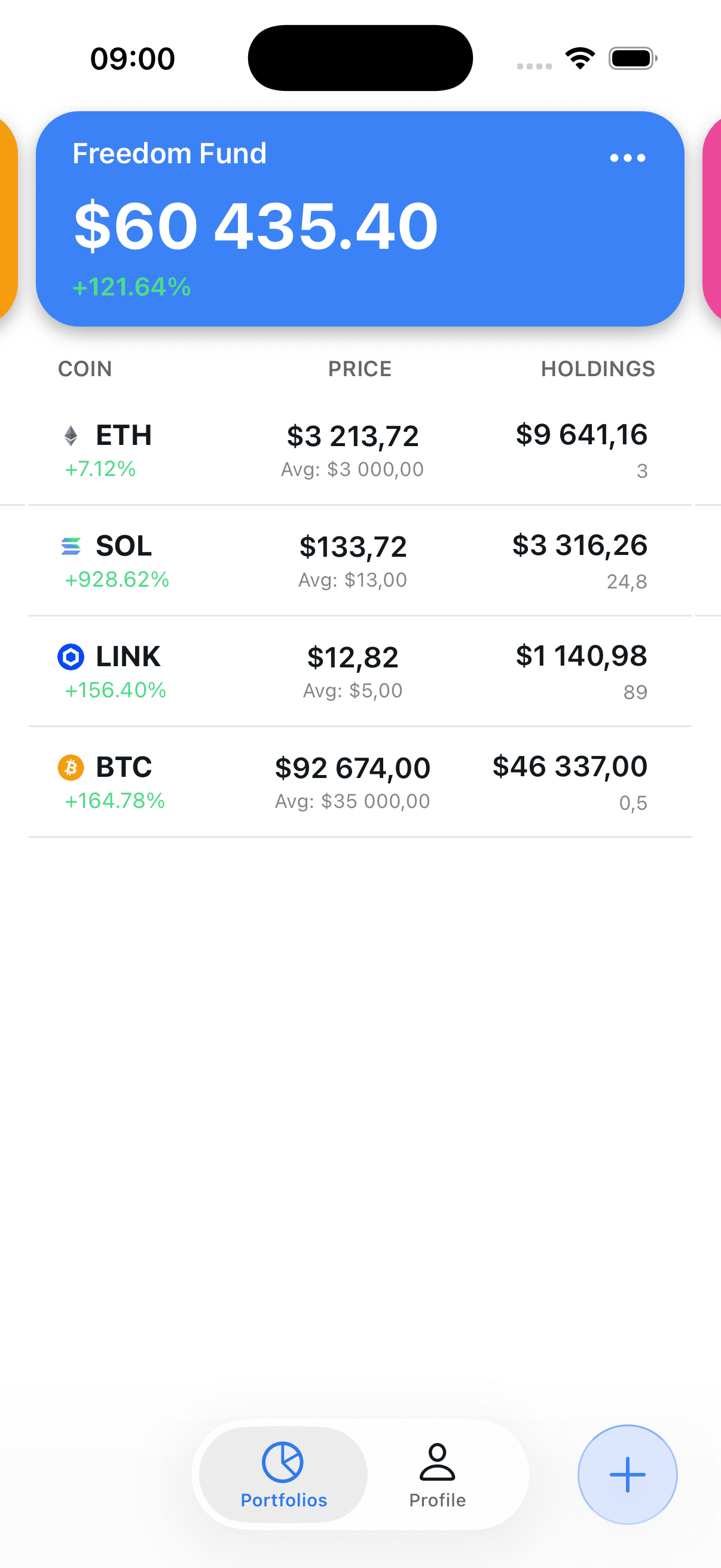
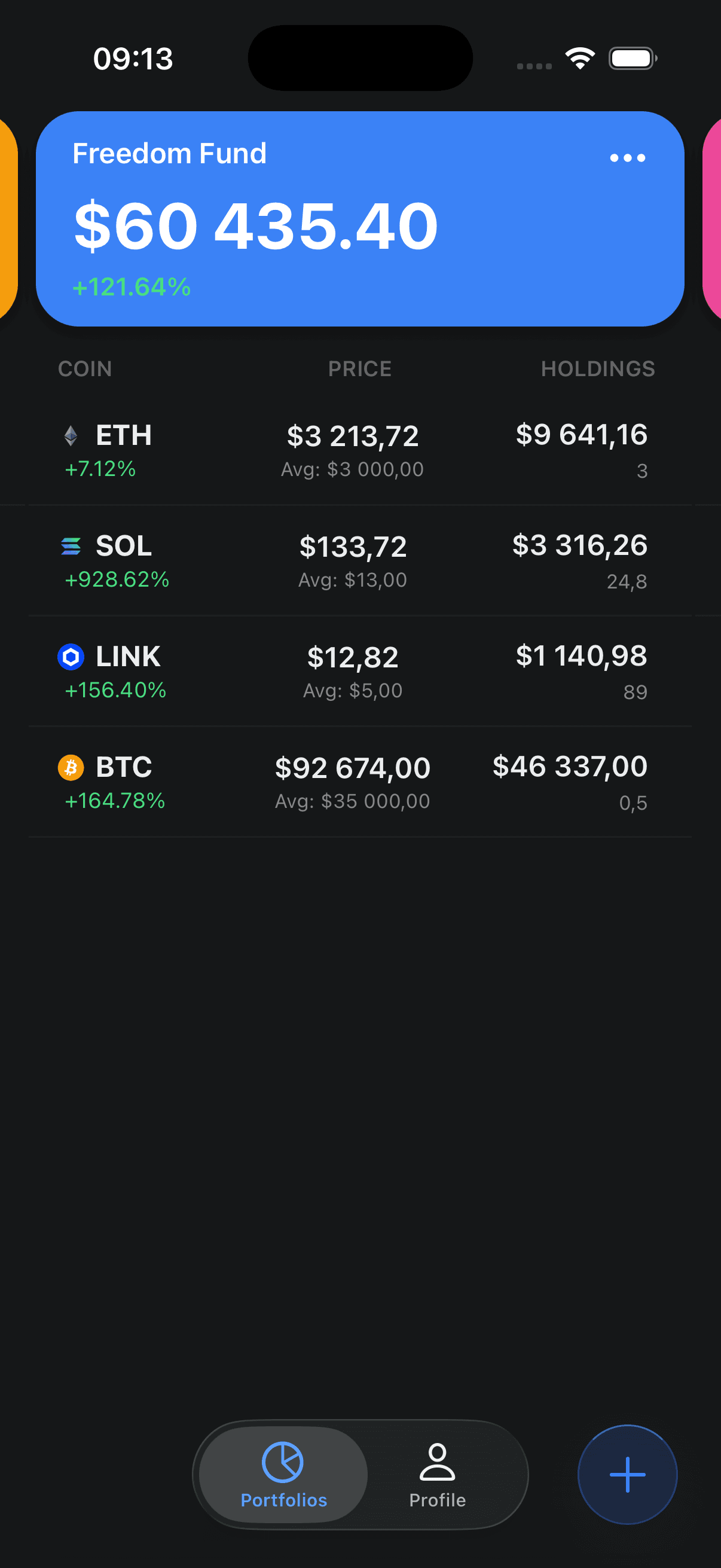
Crypto Portfolio Tracker is a narrower option for manual portfolios, Binance balance sync, allocation charts, and portfolio questions with AI. It is not a feature-for-feature replacement for CoinStats.
CoinStats is a trademark of its respective owner. Crypto Portfolio Tracker is independent and is not affiliated with, endorsed by, or sponsored by CoinStats.
When the smaller app may fit
Consider the narrower app only when these shipped capabilities cover your workflow. CoinStats remains the broader product.
You use iPhone or iPad
The current product experience and this comparison focus on iPhone and iPad. It is not presented as a cross-platform CoinStats replacement.
Binance is your sync requirement
Binance.com balance auto-sync is supported with a dedicated read-only API key. Binance.US and other platforms are manual.
Manual portfolios are enough
Create multiple named portfolios and enter holdings or transactions yourself without a CSV migration workflow.
You want portfolio Q&A
The built-in assistant answers natural-language questions using the holdings summary in your account.
CoinStats and Crypto Portfolio Tracker: scope comparison
This is not a winner-and-loser table. It records material product differences using CoinStats' own documentation and the capabilities available in the current public iPhone and iPad app.
| Area | CoinStats | Crypto Portfolio Tracker |
|---|---|---|
| Primary product surfaces | iOS, Android, Mac, web, and Apple Watch | iPhone and iPad |
| Automatic connections | CoinStats documents 300+ supported wallets and exchanges, with source-specific limitations | Binance balance sync only |
| Manual tracking | Manual transactions are supported | Manual holdings and transactions are supported |
| CSV import | Available for supported workflows | Not available; no direct CoinStats importer |
| DeFi and NFTs | Dedicated DeFi-position and NFT-collection tracking | No dedicated DeFi-position or NFT-collection workflow |
| Alerts and tax reports | CoinStats documents alert and tax-report tools | Not currently offered |
| Current pricing model | Free access plus paid subscription plans; verify current terms | Current iPhone and iPad app is free, with no ads or premium tier |
CoinStats details checked September 23, 2026 against its official feature overview and connection-limitations list.
Compare current plans, not stale savings claims
CoinStats pricing and plan limits can change. The products also cover different workflows, so a subscription price alone is not an equivalent-feature comparison.
Free + paid plans
CoinStats
CoinStats offers free access and paid Premium and Degen subscriptions. Plan limits, promotions, billing periods, and storefront pricing may change.
Currently free
Crypto Portfolio Tracker
The current iPhone and iPad app is free to download and use, with no ads or premium tier. Its feature scope is materially narrower than CoinStats.
Compare required features
Decision rule
Do not calculate savings as though the products were equivalent. Check platform support, connections, imports, DeFi/NFT tools, alerts, and tax workflows first.
Check the official CoinStats subscriptions page for current prices and limits. No fixed CoinStats price or annual savings figure is asserted here.
What Crypto Portfolio Tracker ships today
These are the narrower app's current capabilities, without implying CoinStats lacks them or that future pricing is guaranteed.
Free in the current release
The current iPhone and iPad app is free to download and use, with no advertising or premium upgrade screen.
- No ads in the current app
- No premium tier in the current app
- Not a future-pricing promise
How to rebuild a CoinStats portfolio
There is no direct CoinStats or CSV import. Keep the old portfolio available until you have manually verified quantities and cost basis in the new app.
- 1
Inventory your CoinStats setup
List every portfolio, connected platform, holding quantity, and cost basis you need to preserve before changing anything.
- 2
Download the app
Get Crypto Portfolio Tracker App from the App Store on an iPhone or iPad and sign in.
- 3
Create your portfolios
Create named portfolios that match the categories you want to carry over. There is no direct CoinStats or CSV import.
- 4
Connect Binance, if used
Binance is the only automatic exchange connection. Use a dedicated API key with read-only permissions and keep trading and withdrawals disabled.
- 5
Enter everything else manually
Manually add holdings or transactions from other exchanges and wallets. Dedicated DeFi-position and NFT-collection imports are not available.
- 6
Verify before leaving CoinStats
Compare quantities, values, and cost basis in both tools. Keep your existing data until the recreated portfolios match.
A practical fit check
The smaller app may fit
You use iPhone or iPad, want multiple manual portfolios, and need automatic balance sync only for Binance.
CoinStats may fit better
You need broad exchange and wallet connections, multiple platforms, CSV imports, DeFi/NFT tracking, alerts, or tax reports.
Verify before changing tools
Recreate and compare every holding, quantity, and cost basis. Do not cancel a service or delete data until the new portfolio matches.
Automatic sync
Binance only
Use a dedicated API key configured read-only.
Other platforms
Manual entry
No other exchange or wallet auto-sync is claimed.
Public release
iPhone + iPad
No public Android or web app is offered.
Frequently asked questions
Is Crypto Portfolio Tracker a full CoinStats replacement?
No. It is a narrower iPhone and iPad tracker. CoinStats documents broad wallet and exchange connections, CSV import, DeFi and NFT tracking, alerts, tax reports, and several platforms. Choose Crypto Portfolio Tracker only if its smaller shipped feature set matches your needs.
Can I import a CoinStats portfolio directly?
No. There is no direct CoinStats importer or CSV import in Crypto Portfolio Tracker. Recreate portfolios manually, or connect Binance and then manually add holdings from other exchanges and wallets.
Which exchanges auto-sync?
Binance.com is the only automatic exchange connection currently shipped. The app uses api.binance.com and does not support Binance.US. Track holdings from other platforms manually.
Does it include DeFi, NFT, alert, CSV, or tax-report tools?
No dedicated DeFi-position, NFT-collection, price-alert, CSV-import, or tax-report workflow is currently offered. CoinStats documents those capabilities, so users who rely on them should not treat this app as an equivalent replacement.
Is Crypto Portfolio Tracker free?
The current iPhone and iPad app is free to download and use, with no ads or premium tier. This describes the current release, not a promise that pricing can never change.
How should I compare CoinStats pricing?
CoinStats offers free access and paid subscription plans. Prices, promotions, and plan limits can change, so check the official CoinStats pricing page instead of relying on a static savings claim.
Sources and review limits
Competitor facts were checked against official CoinStats pages on September 23, 2026. Product features, prices, and limits can change; follow the source links before making a migration or subscription decision.
Does the narrower scope fit?
Try Crypto Portfolio Tracker if you want manual portfolios, Binance balance sync, allocation charts, and portfolio Q&A on iPhone or iPad. Keep CoinStats if you need its broader connections or specialist workflows.
Also comparing Delta by eToro? See the Delta alternative.